I have nearly 200 genres active now in the really nice nested Genre setup, but I’m starting to see more and more where I have no pictures - particularly older classical genres or smaller micro genres.
It would be nice to have an option to use indexArtwork provided genre images if they are available - I have really nicely curated appropriate images for most genres but they inly appear if I turn on custom genres (which I don’t want to use anymore)
What’s the logic behind the 1:1 restriction BTW? I have a mixture at the moment, although most are 1:1. In the “Custom Genres” view they mostly look OK - some cut a bit weird but it works well still.
For reference my non-square are mostly probably close to 4:3 or standard photo aspect ratio in either landscape or portrait modes.
Because they will look very strange when stretched either in the genres mosaic or in the genre view where the header has a wide image. I can’t control the outcome and I’d rather not offer a sub par experience/offer a less pretty UI.
I will think about it and try a few things and I’ll come back with a conclusion.
Just checked - In the flat custom genre view you get a coloured square placeholder image when there is no image.
Personally, I quite like that approach because it stands out as a Genre you need to add an image for, but you could use the same image source approach the taxonomy Genre view uses currently instead when there’s no image locally as a fallback.
In the taxonomy genre view, I often get a no image situation for smaller genres and that just then shows a coloured square / rectangle. Is that because none of the artists under that genre have an image?
When using the default (taxonomy genres) you get a gray rectangle when no album artist or track artist in that genre has an image.
I think I will create a default genre image and place the name on top as text when you simply don’t have an image for that genre. This is so we don’t mix 2 completely different approaches (artist images with genre images).
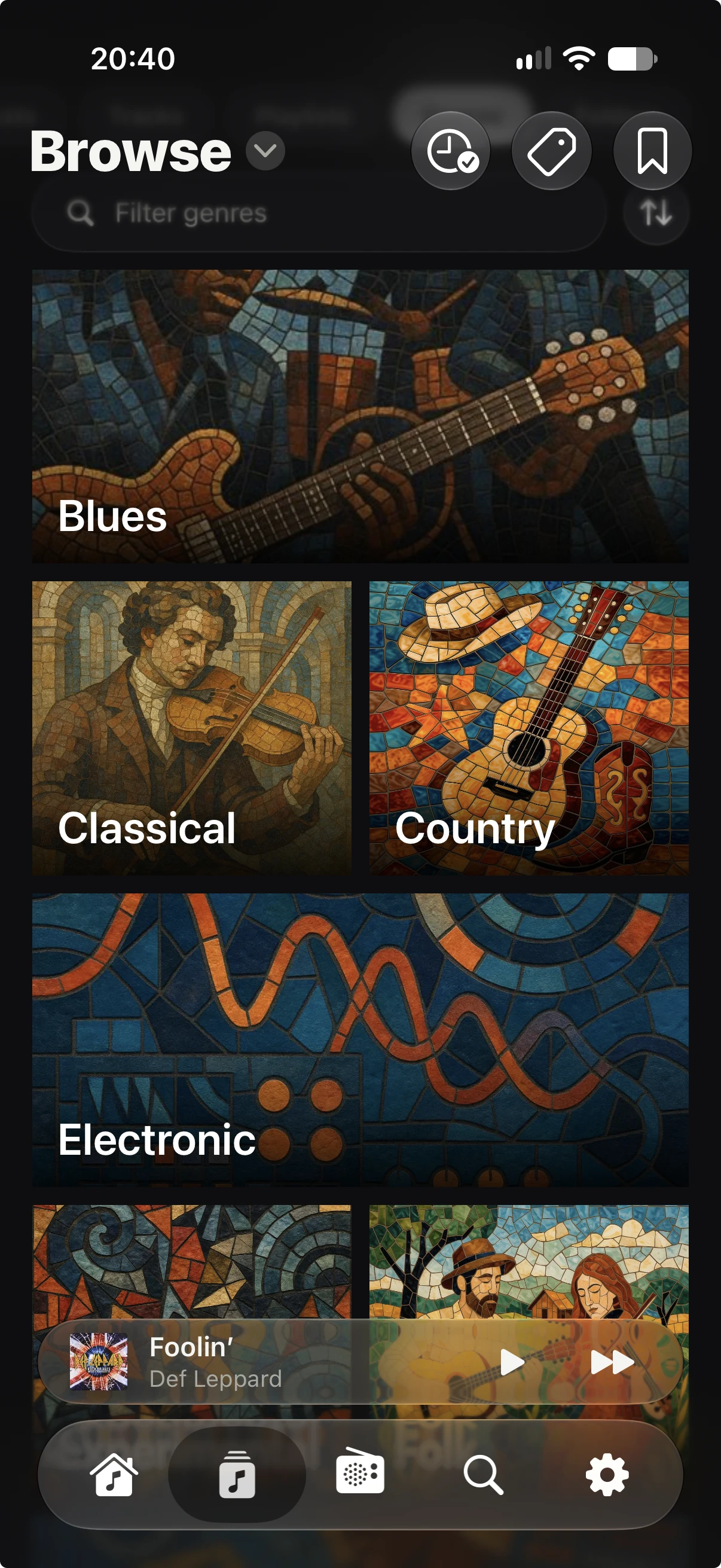
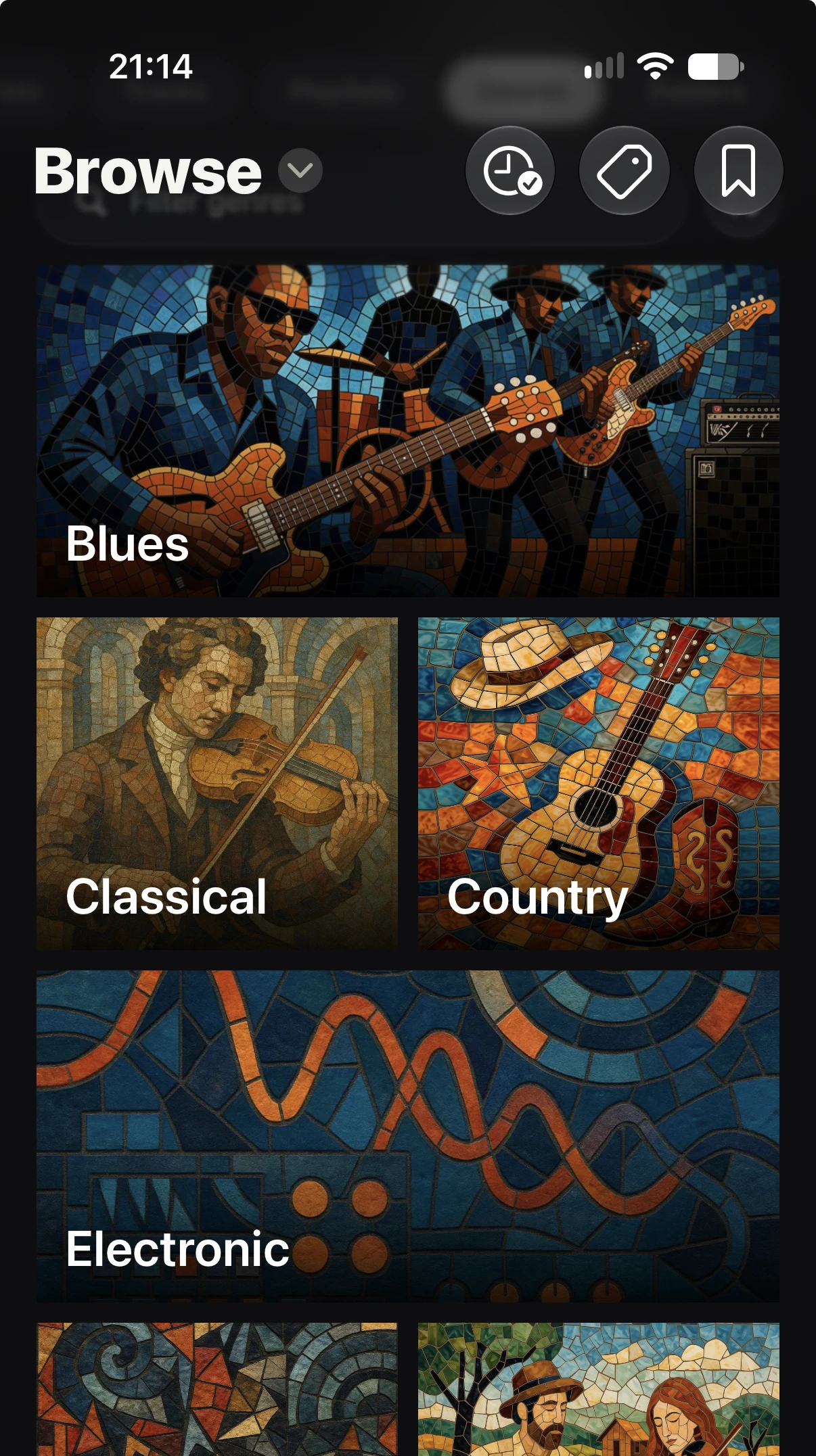
This is interesting - this is generally working well but the variances between genres displaying as squares or rectangles can sometimes be problematic (this is no different than with the images from before that Serento gets for artists)
If your images for genres are all square then when a genre displays as a rectangle you get serious cut off, while if you have a standard 6:4 type ratio you have a much better balance for a cut to either a square or rectangle to work nicely as a compromise.
The above is with a Blues image that I had adjusted to be square. I got Lumo to recompose it back to 3:2 as I didn’t have the original on this one now it fits both (but the image has gone a bit weird):
I suspect this is similar to the issue @Gaz reported in the custom genres view - Before, in that view, my images mostly looked really nice, square or bot, cut consistently as squares, in the iPad grid I used to test that view. With them in the taxonomy view, with the tiles being different shapes, by an extreme margin (1:1 or 1:2) the composition variance is too high. The iPhone header image is slightly better at slightly shorter than 3:4.
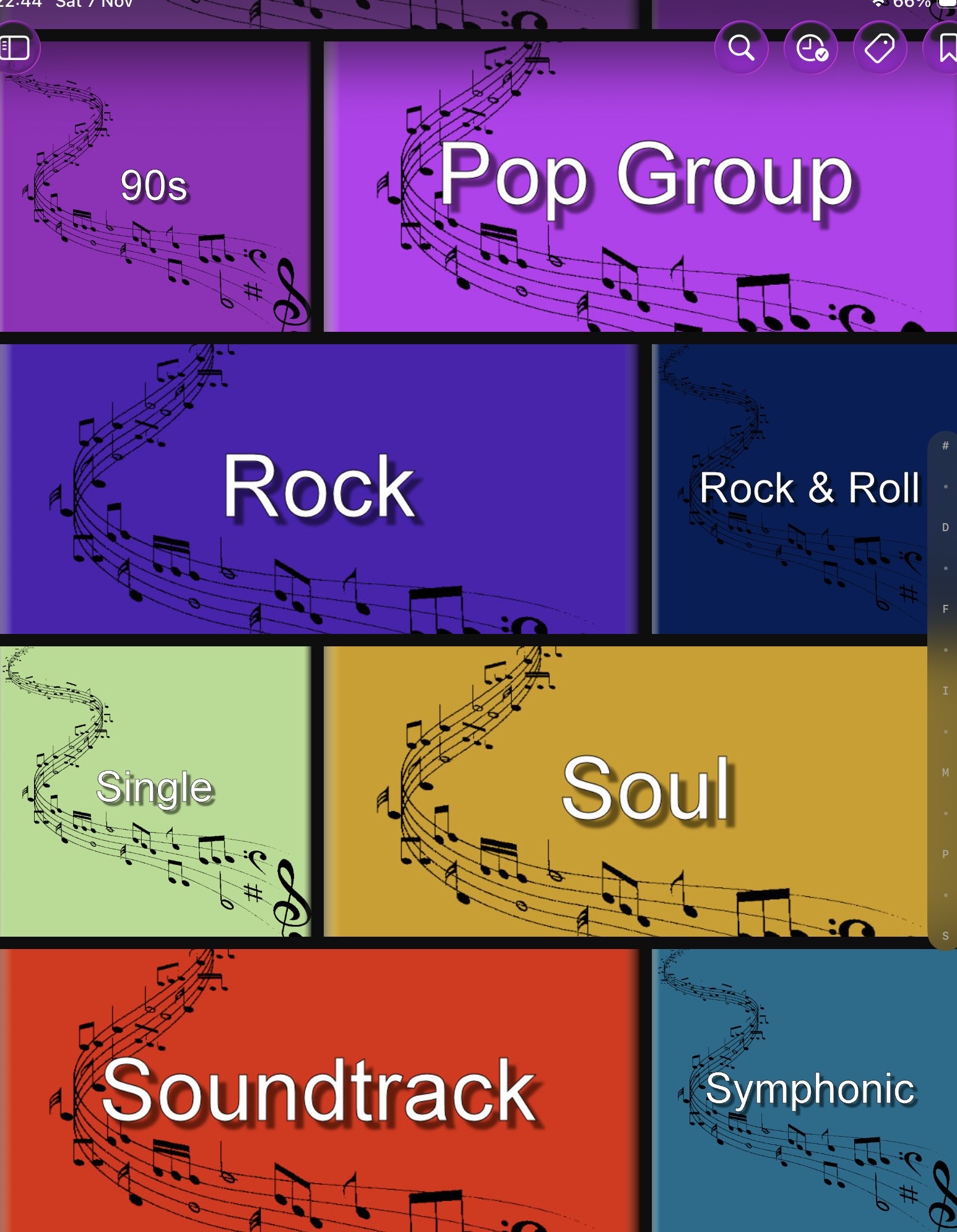
I like the square format for the genre view as I do not use images. I’ve created simple coloured square pictures with text so they kind of look like buttons, to me this does not look so good with mixed sized genres.
if you were to create specifically sized pictures for each genre, e.g. a square for Country, a rectangle for Electronic, what would happen if you inserted a new genre between Classical and Country? Would Country then become a rectangle and Electronic a square? If so, whenever you create a new genre you’ll have to reformat the pictures where the ratio has changed or let Serento cut the pictures. That’s why when I asked Lorin to allow custom genre images I asked for them to just be square, it just seemed to keep things very simple.
It ends up being more complex than the grid @Gaz - It varies by device and how / where the images are used from what I can see, your assertion on a new genre in the middle is correct though and may be different between device types - not sure.
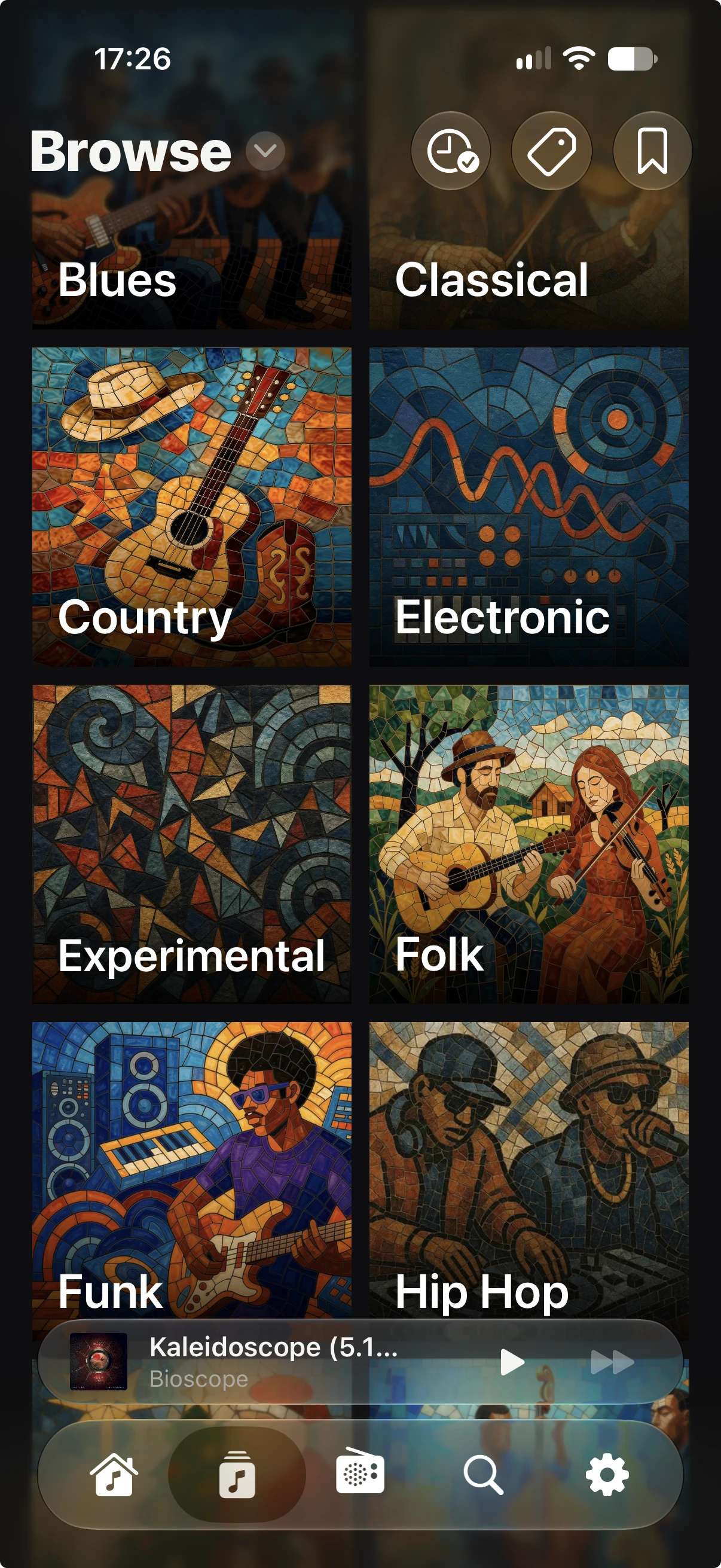
The (lets call it “Classic Custom Genre view”) layout just had squares so the grid was predictable and consistent for custom images and custom images that were not square were cropped - when you select a genre on the iPad the genre image on the genre page is presented in a square placeholder and if the image isn’t square it fits inside. This worked for my custom images. However, I never had this option turned on on my iPhone and on the phone the image is presented as a rectangle- its slightly taller than the 1:2 variant in the other view, but still issues may occur.
The (lets call it “Alternating squares and rectangles view”) layout exacerbates this problem and makes getting all the custom images to fit all potential scenarios very hard and actually favours standard photo ratio images in landscape as a best compromise.
However, it’s essentially a more in your face example of a larger problem of getting imagery to fit the UI in all circumstances for all different devices (much pain).
I think you’re right though @Gaz - I think whether you’re using custom genres or just custom genre images, that should make the genre grid purely square - that then only leaves the phone header image but that’s not as severe and more manageable.