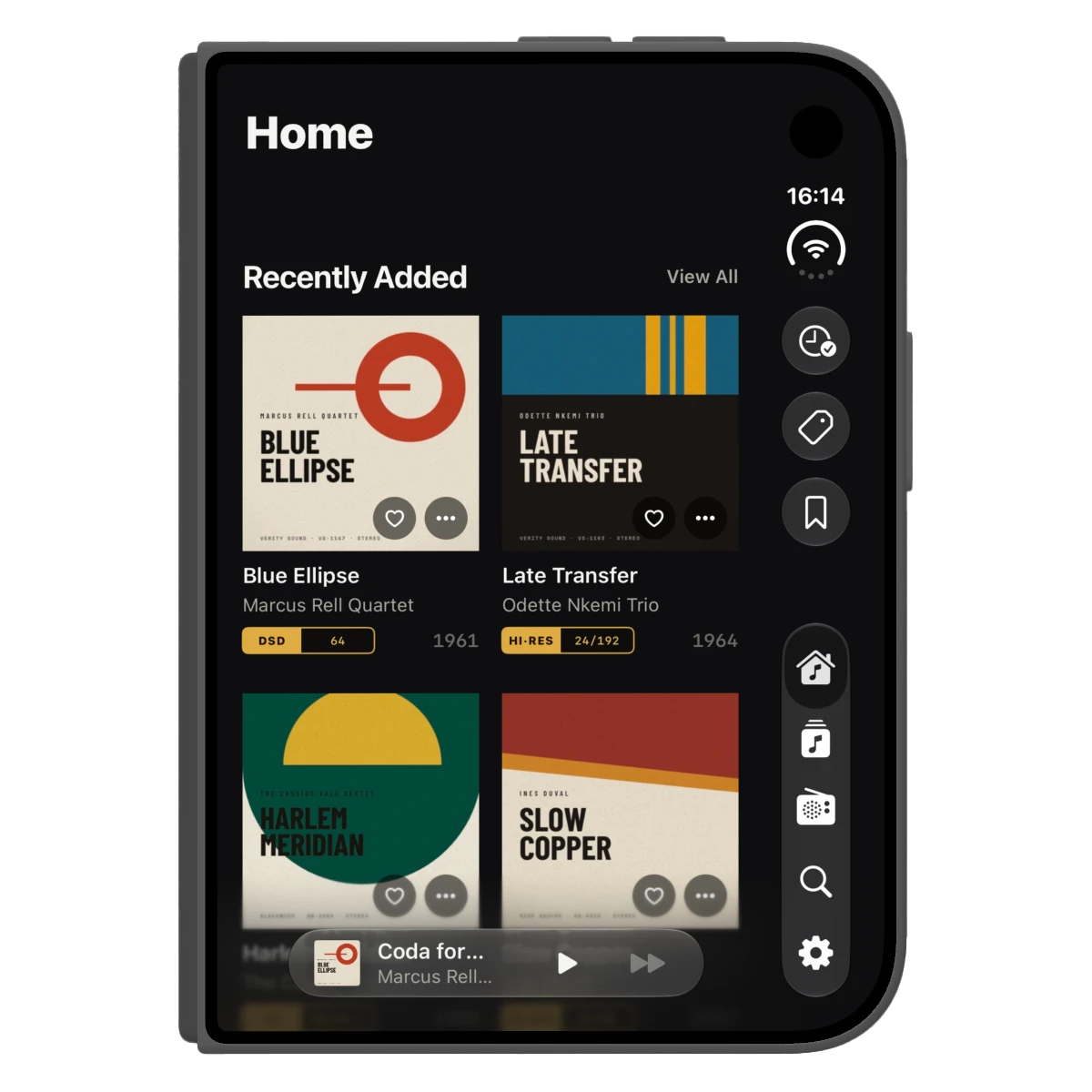
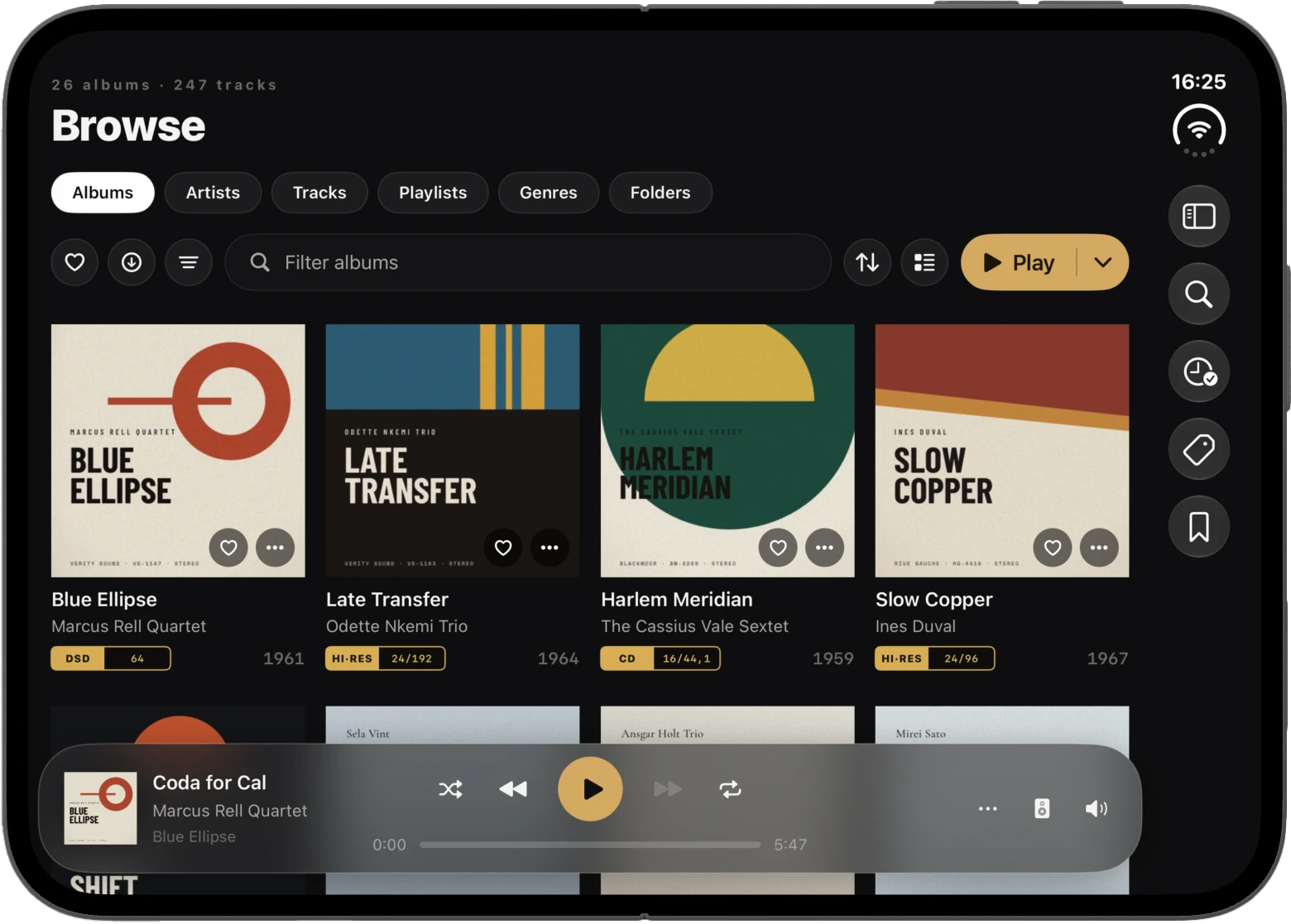
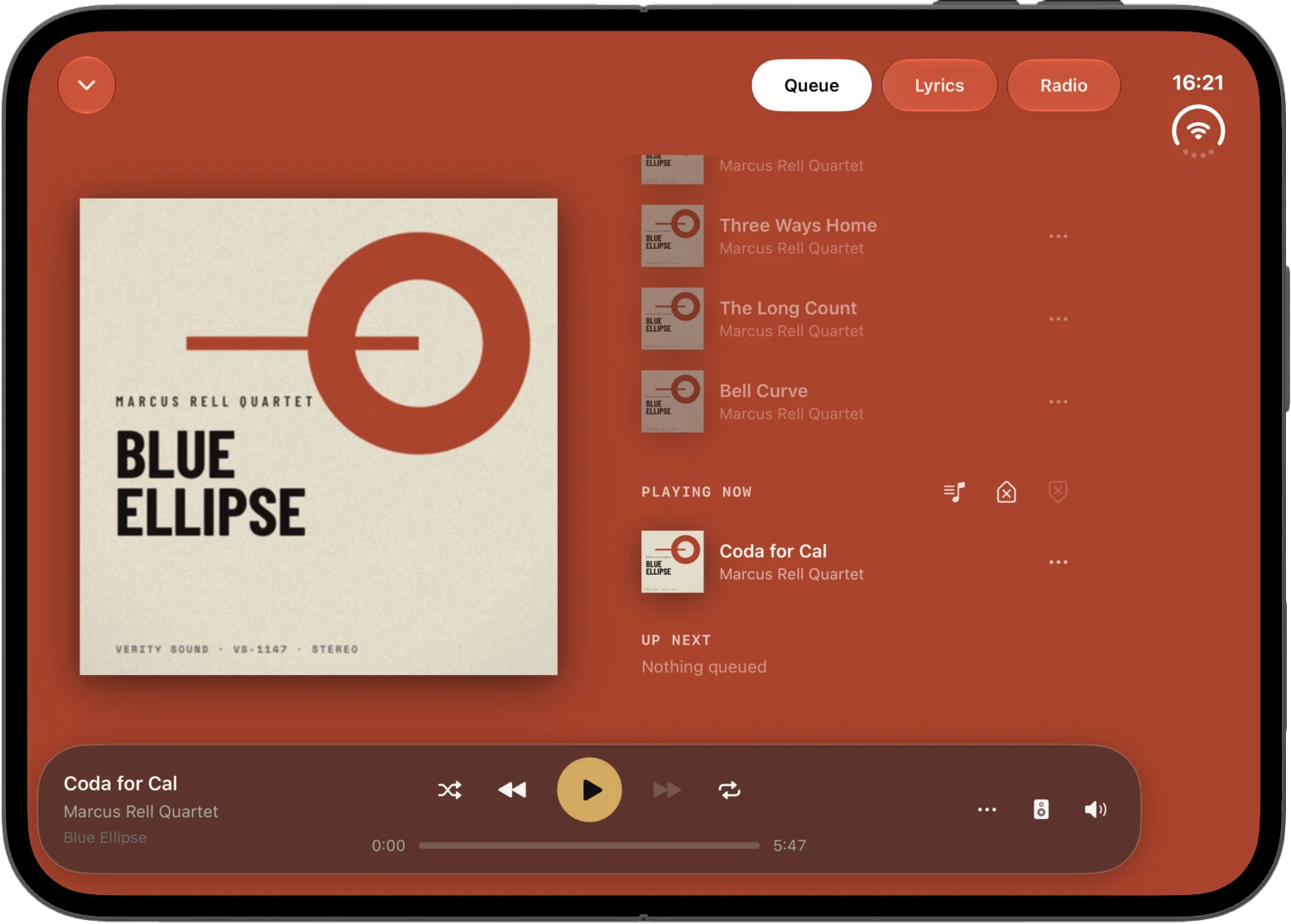
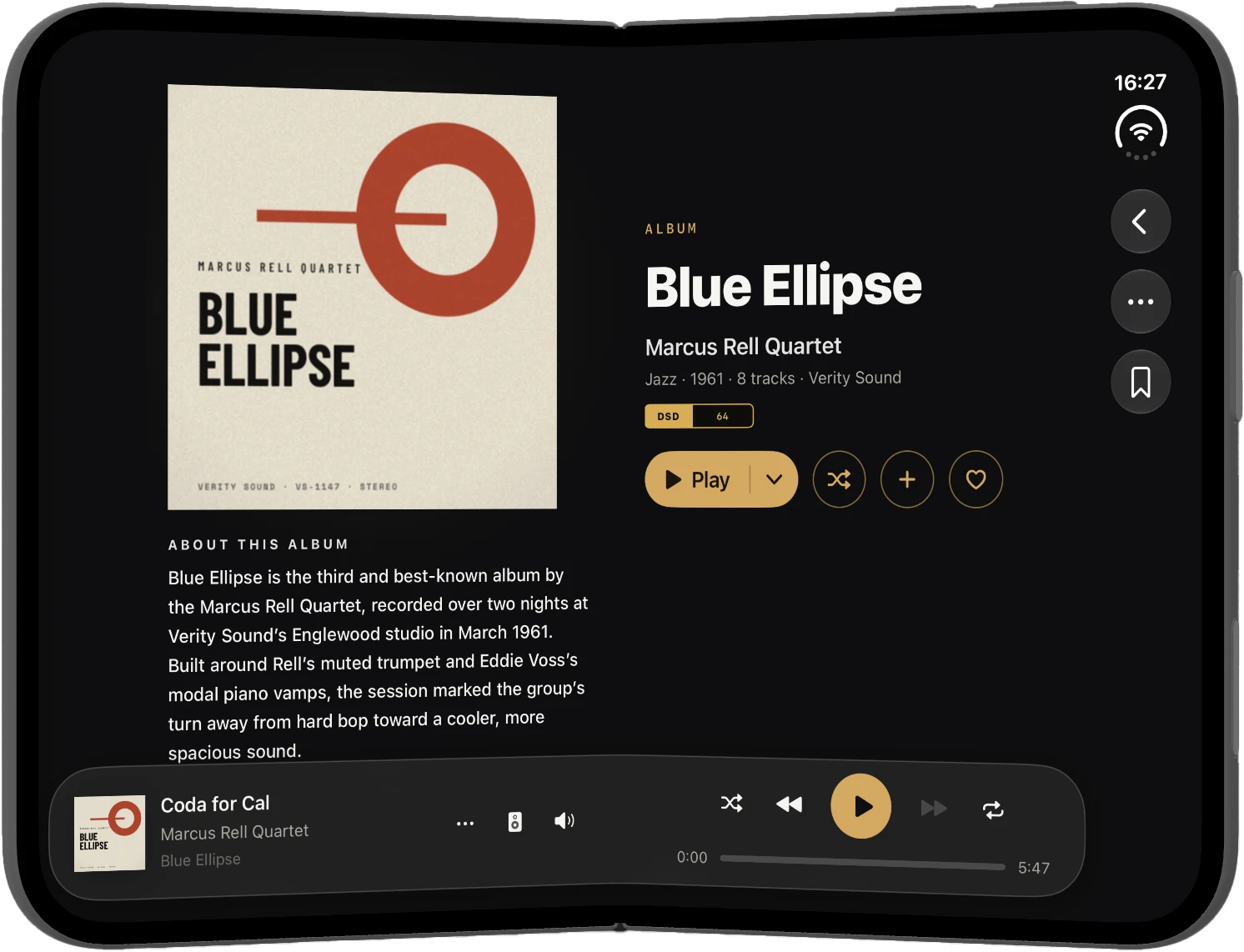
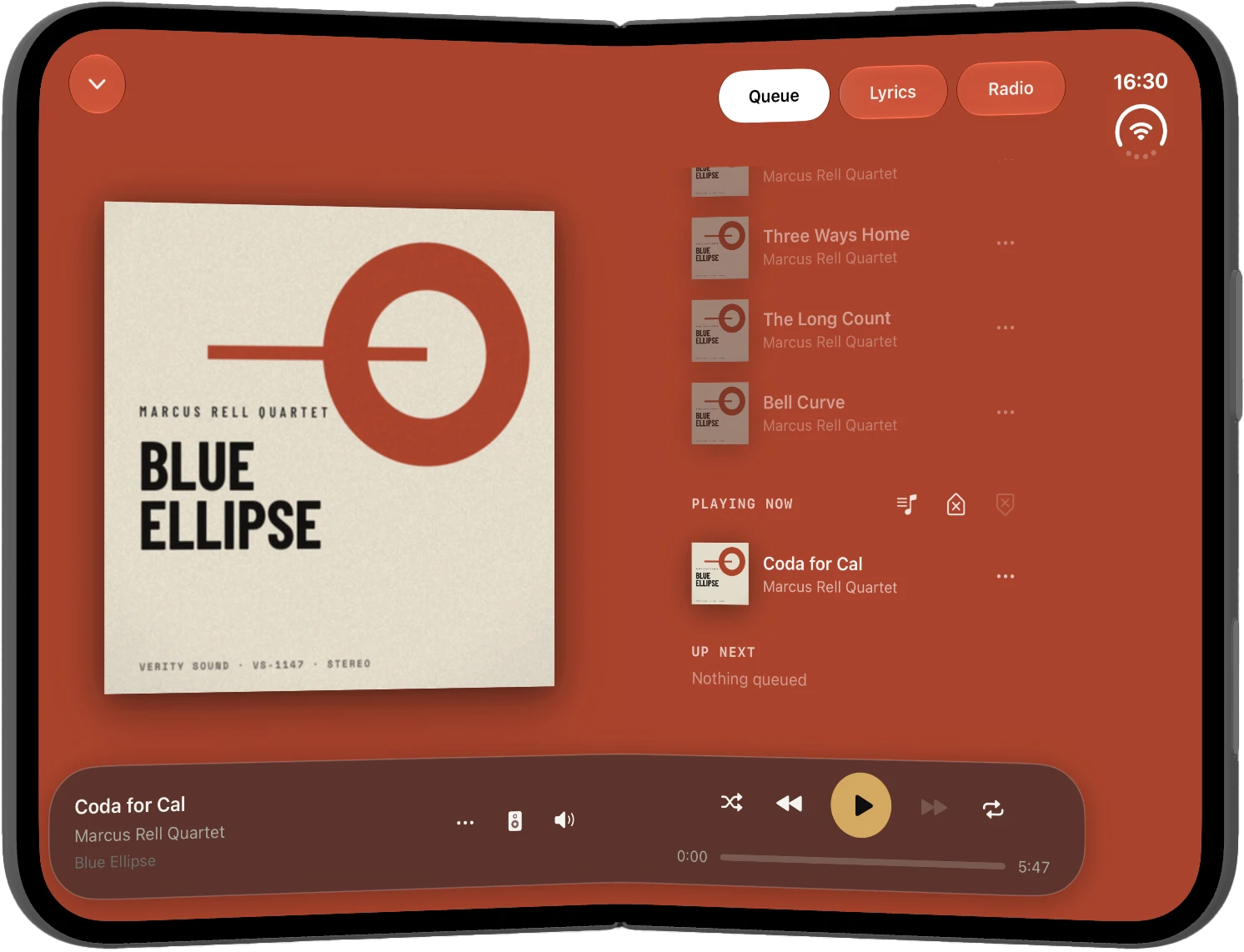
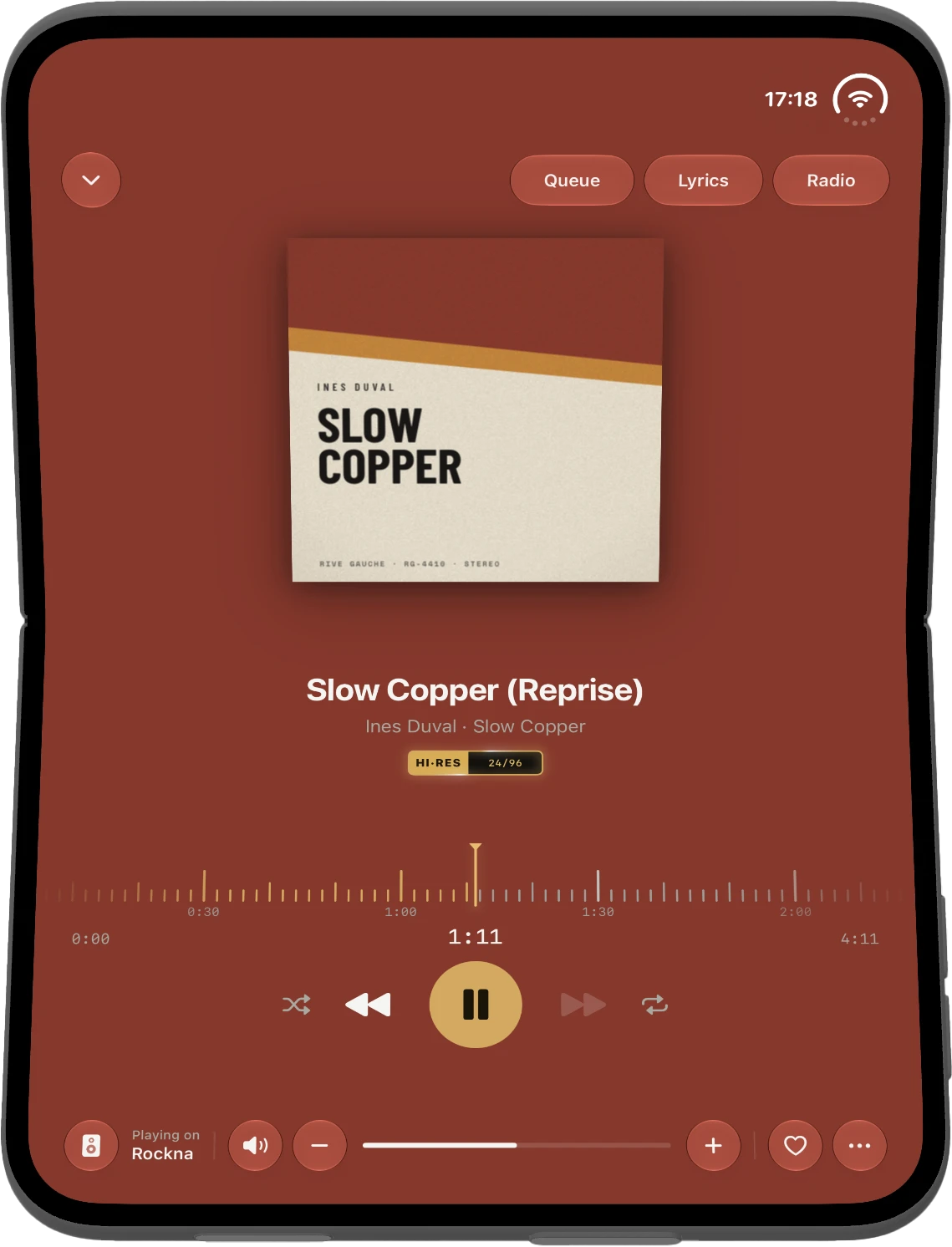
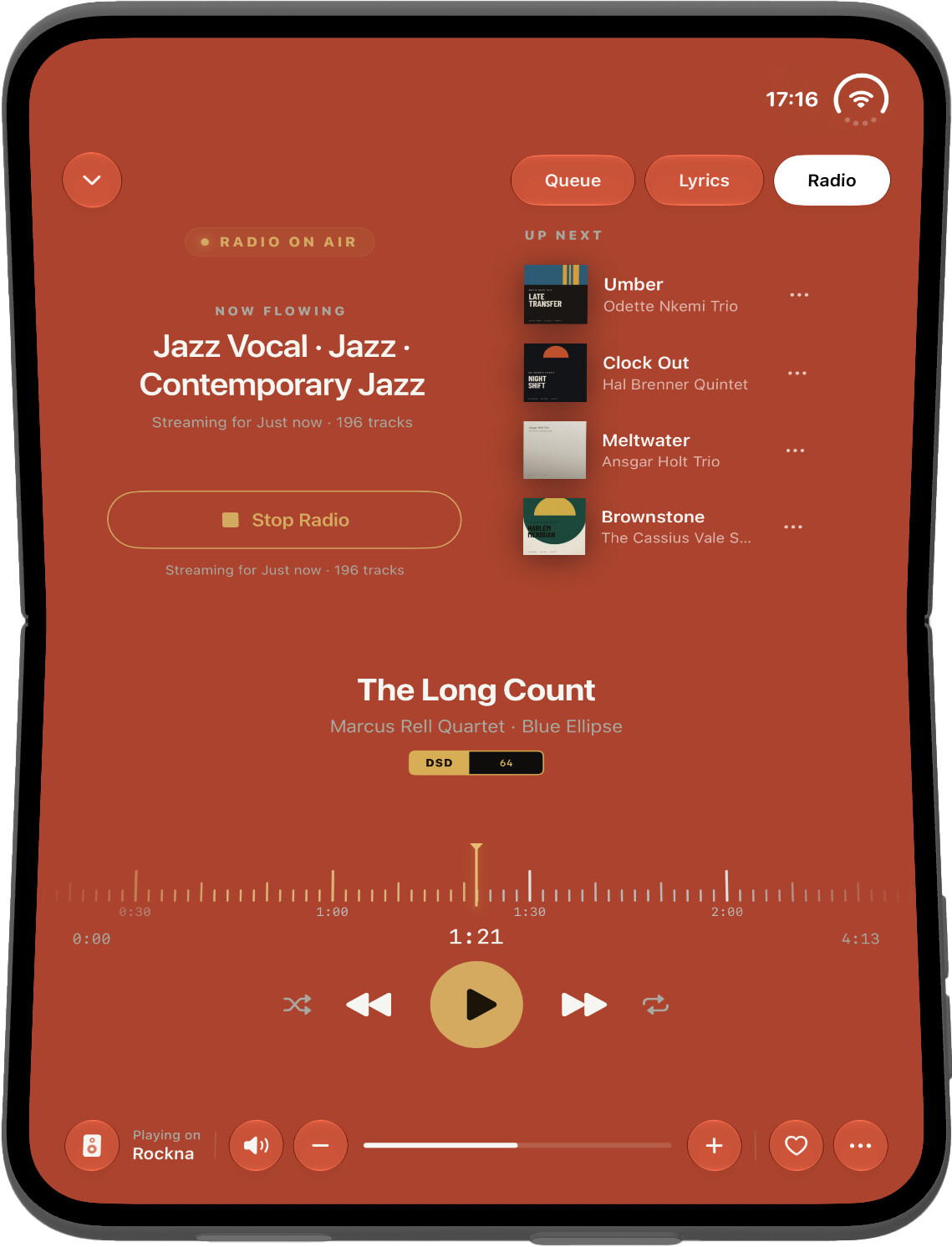
So, I’ve been working on making Serento look and behave good on the iPhone Duo. I really thought this is going to be just a touch up here and there but boy was I wrong.
I had to change quite a few things. The Duo introduces the concept of a vertical bar that stores the status, toolbar buttons and the tab view. All 3 live there, in this tiny place. This means that that space is always reserver even if you don’t have content to place there. With one exception and that is sheets. You can make use of that space in sheets because sheets don’t care about the vertical bar. Well, at least to an extent. The only thing I’m not allowed to mess with is with the status indicator (the combined wifi/cellular/battery indicator).
I had to account for 2 new situations: landscape table top mode and portrait table top mode. Both require totally different approaches. When the landscape content is split in the middle by the crease you get the left content and the right content with different widths because of the right vertical bar. To fix this Serento resizes the left content to match the width of the right content and my OCD is happy. Portrait mode tries as much as possible to split the content in half and use the Apple recommended media playback approach.
After days of playing with the new design and experience I can’t say I like it. I like the concept of a folding phone but I do not like the vertical bar. My OCD kicks in when I see that the UI is not symmetrical.
Anyway, here are some screenshots.