Hi Gaz,
Thank you for the detail in your reports. They were precise enough that I could reproduce every point in code, and two of them turned out to be real bugs in Serento that would have affected other users as well. Here is what I found and what is fixed in the next build.
RECENTLY ADDED
You were right that something was wrong, and the cause was not the 1000 track limit I mentioned earlier. MinimServer publishes a Recently Added index, and Serento reads it to learn when each album was actually added to your library. Without it, the app falls back to the date in your tags, which is the release year, and that is exactly why you were seeing albums from years ago at the top.
On my server that index is organised in two levels: time periods such as Last month or Last 3 months, and the albums inside each of them. On your server it returns the albums directly, with no period level at all. Serento only understood the first shape, went looking for a level that was not there, found nothing, and silently fell back to the release year. Your log showed it word for word: it walked seventeen entries, which were your album names, and reported zero albums found under them.
Serento now recognises both shapes and uses whichever one your server offers. This also fixes the sorting in Album view, since both the Home shelf and the sort order read the same date.
One thing worth checking on your side, because it may explain why your server answers differently from mine: in the MinimServer properties page there is a setting called showExtras. Mine is set to true. If yours is false, that would account for the missing level. Either way Serento will now work, but if you would like to tell me what yours is set to, it would confirm the last piece of the puzzle for me.
ALBUMS WITH A "DM - " PREFIX
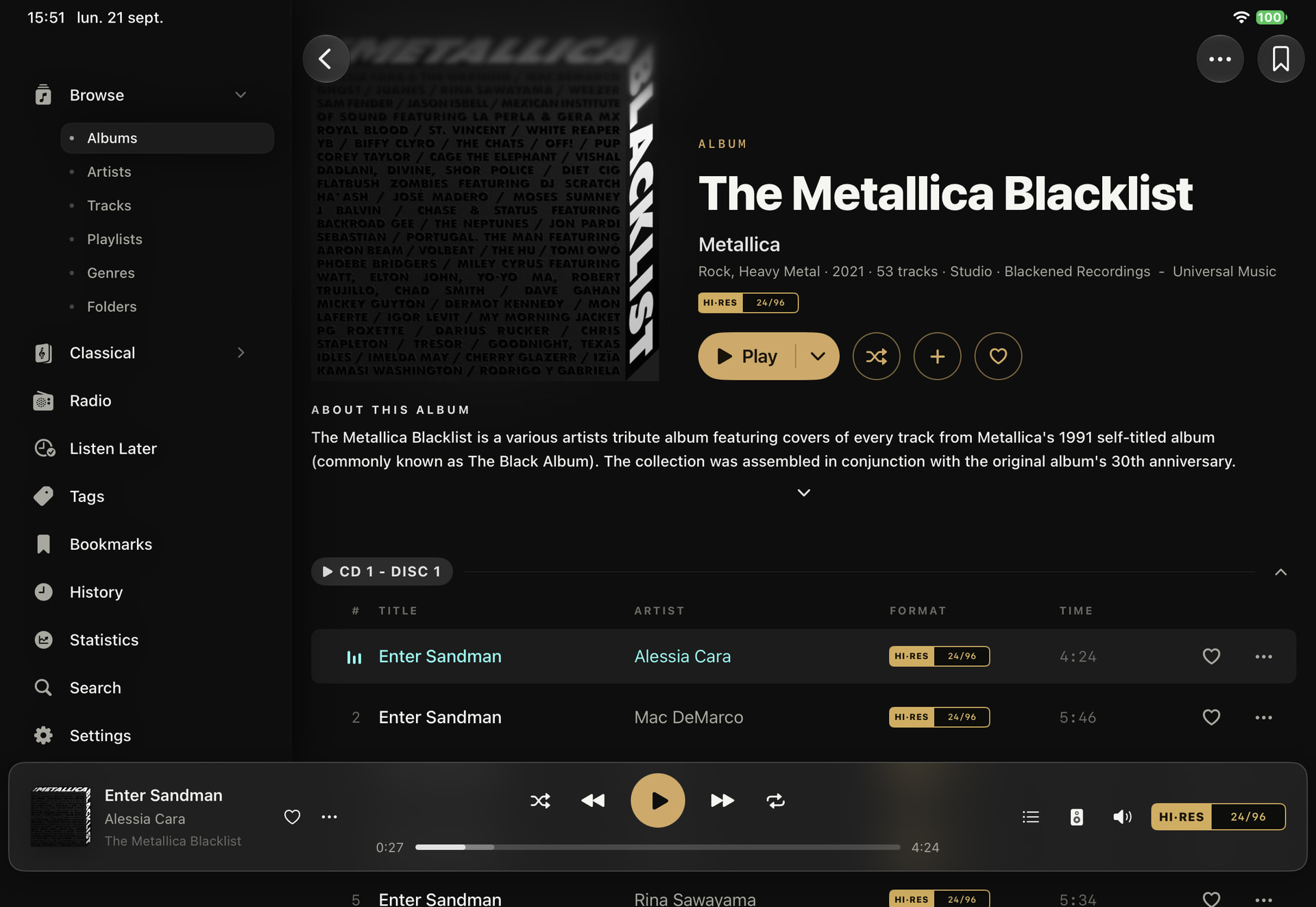
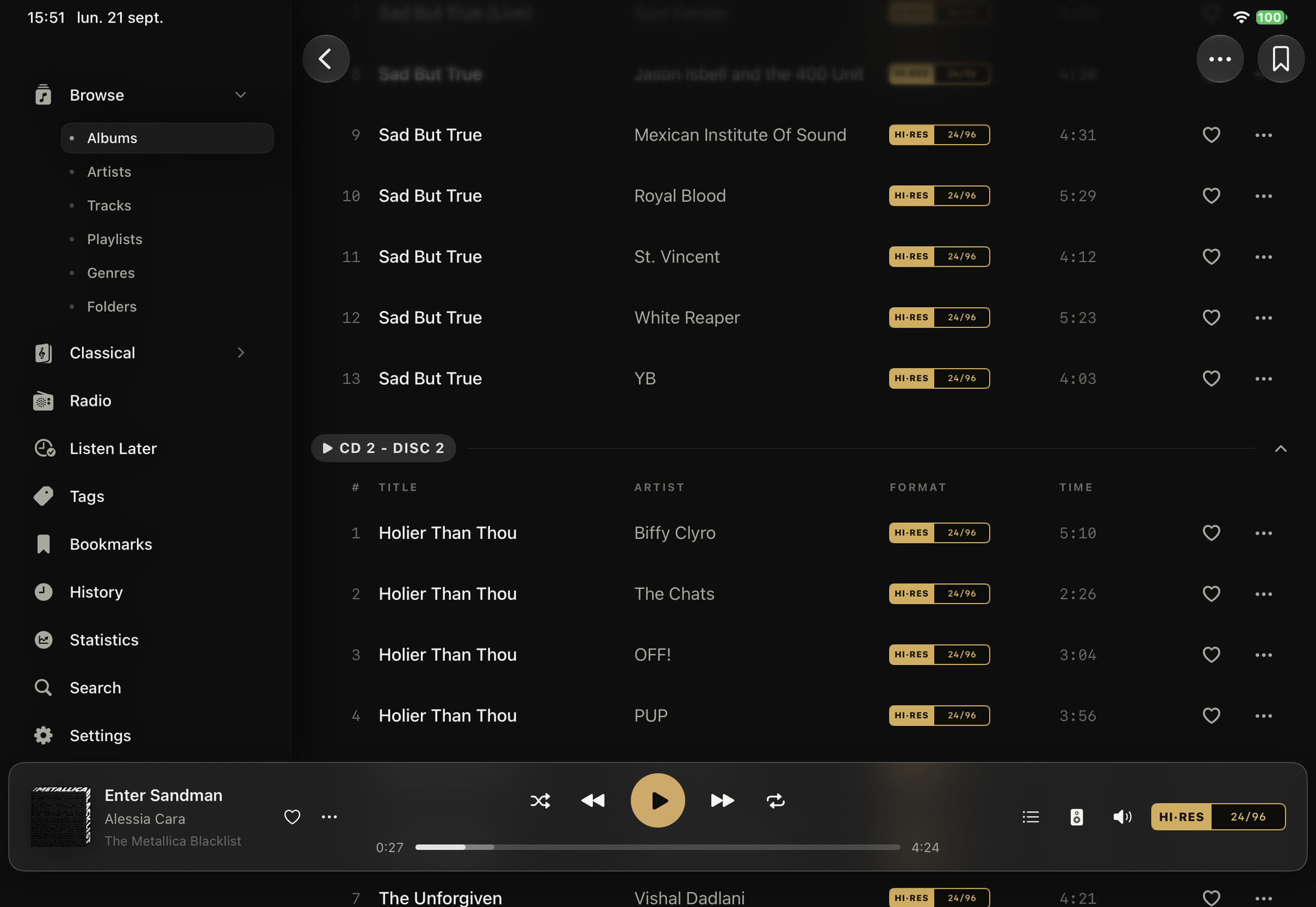
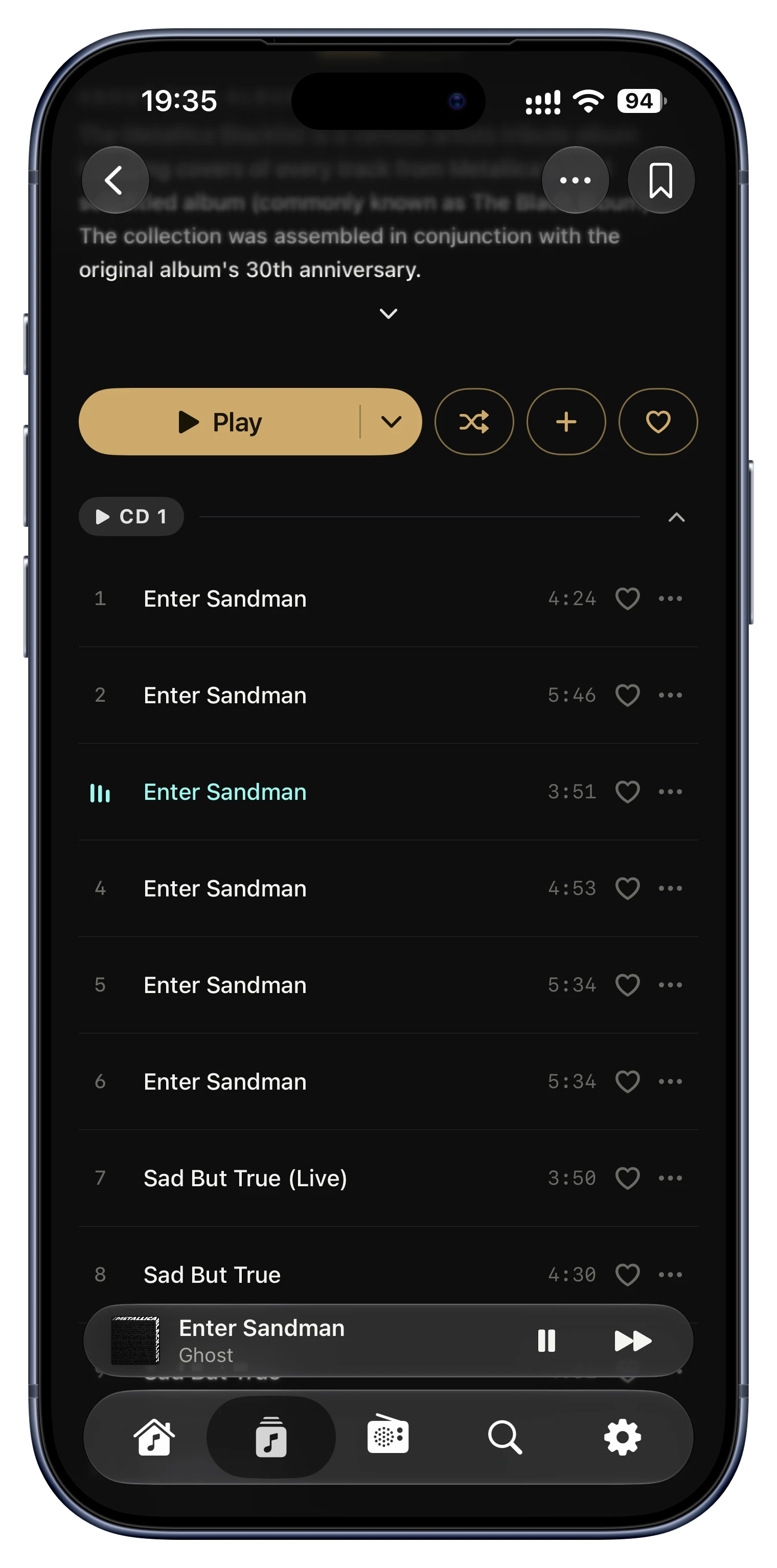
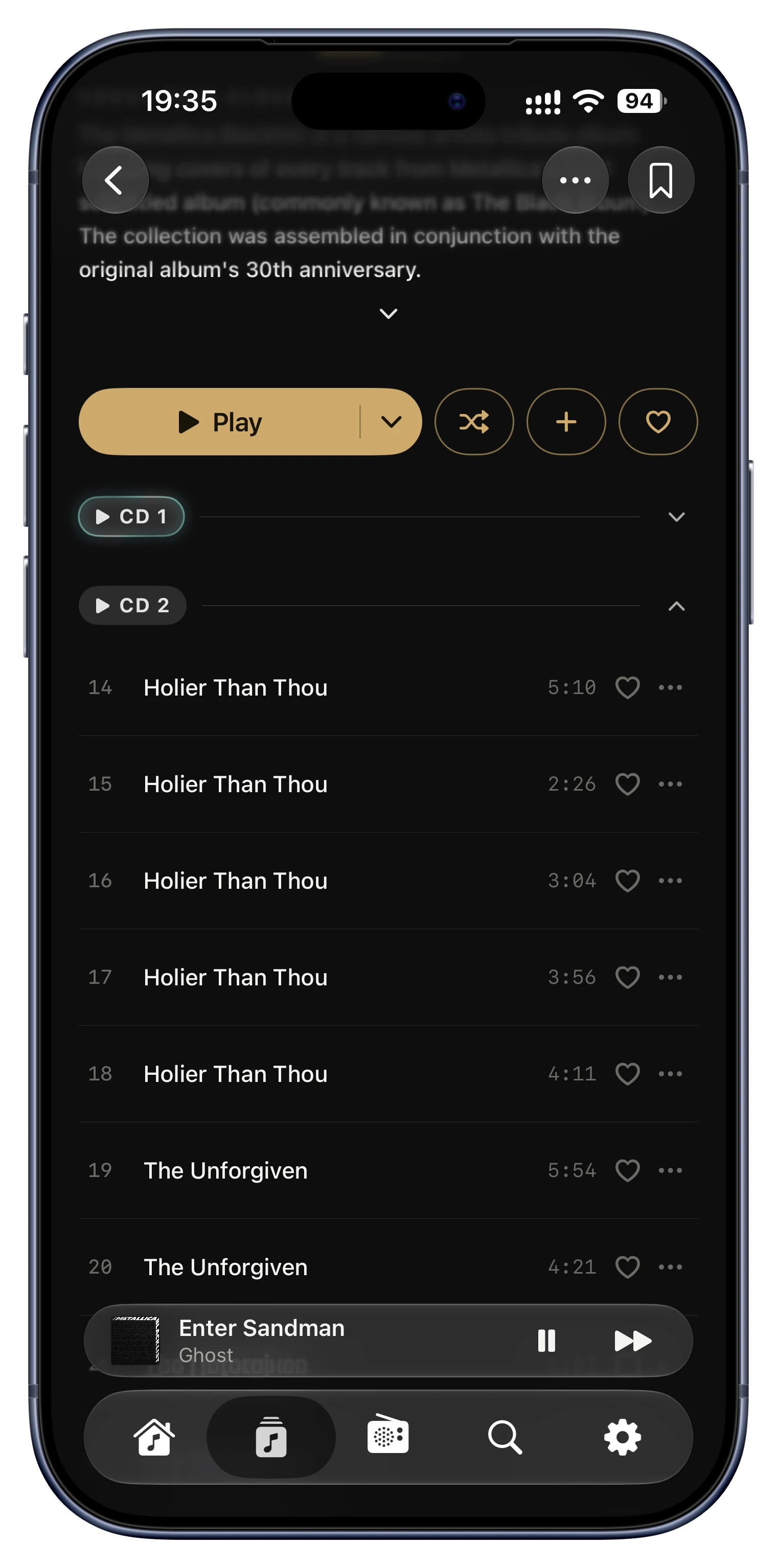
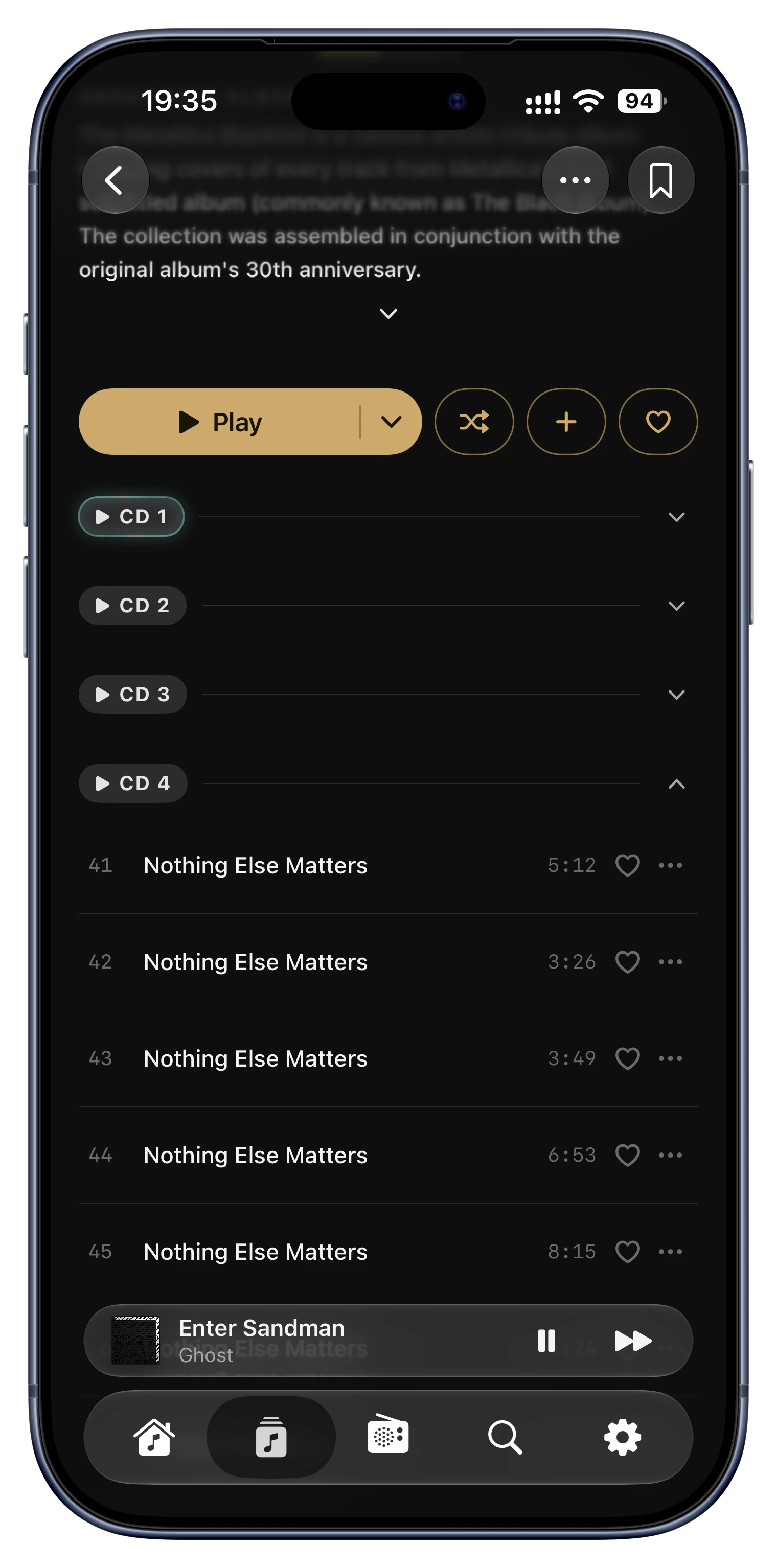
This one was my favourite, because your detective work pointed straight at it and the cause is genuinely odd. Serento recognises folders named like CD 1, Disc 2 or Vol. 3 as the discs of a multi disc album, and it also accepted Roman numerals, so that a folder named II or IV is understood as disc two or disc four. The letters D and M are Roman numerals, five hundred and one thousand, so DM was read as a disc number, and everything after it was treated as a label rather than as the album name.
Because all of your albums live directly under one folder, every album starting with DM collapsed into a single album belonging to that parent folder, with the tracks numbered as CD 1, CD 2 and so on. It is also why a whole genre appeared as an album in Folder view: the parent folder there is the genre folder. One bug, two symptoms, and nothing at all wrong with your tags.
Serento no longer accepts a free text label after a bare Roman numeral. A folder named II is still a disc, and CD 1 or Disc 2 - Bonus are still discs, but DM - Easy Sunday is now correctly an album of its own. The same applies to any prefix made of the letters I, V, X, L, C, D and M, so names like MIX, DVD or MC are affected in the same way. You can rename your albums back to DM if you prefer, and they will behave correctly after one sync.
GENRES
I am glad this is resolved for you, though I think the cause was slightly different from what it looked like. Until early September, Serento was splitting multi value genre tags on a comma no matter which separator you had chosen in Settings, so your semicolons were never applied and each combination such as Pop; Rock counted as its own genre. That is why the server reported thirty and Serento reported seventy one. The setting is now properly connected, and the version you are on reads the genre list from the server directly, which is why you see thirty.
So the iCloud data you deleted was almost certainly not the cause, and a resync does not read your genres from iCloud. The timing simply coincided with the app update. I mention it only so you do not spend time on it again if the count ever looks wrong.
THE ALBUM NAME ENDING IN “VOL 2”
I have not been able to explain this one, and I would rather tell you that than invent a reason. There is no spell check or syntax check anywhere in Serento, so that is not what happened. I found one place in the code that shortens a title like yours, but it is only used internally to compare two albums and it never reaches what you see on screen, and it behaves identically with and without the full stop. Since you renamed the album before we captured the logs, I cannot reproduce it any more. If it ever happens again with another album, please send the logs before renaming anything and I will chase it properly.
ABOUT iCLOUD
One important note, since iCloud came up in your testing. Serento is designed to run with iCloud enabled, and the terms and conditions state this. iCloud is how your data moves between your devices, and how it comes back to you if you delete the app and install it again, or move to a new device. Your library data, your tags, playlists, bookmarks, favourites and listening history live there.
If you turn iCloud off, the app will keep working, but you will not have the full experience and we cannot guarantee that your data can be restored to you. I would recommend leaving it on.
Thank you again for taking the time to test as thoroughly as you did, and for narrowing the DM case down to a single letter pair. That saved me a great deal of hunting.
Expect the fixes for all these issues in the next version,
Lorin.
 .
.